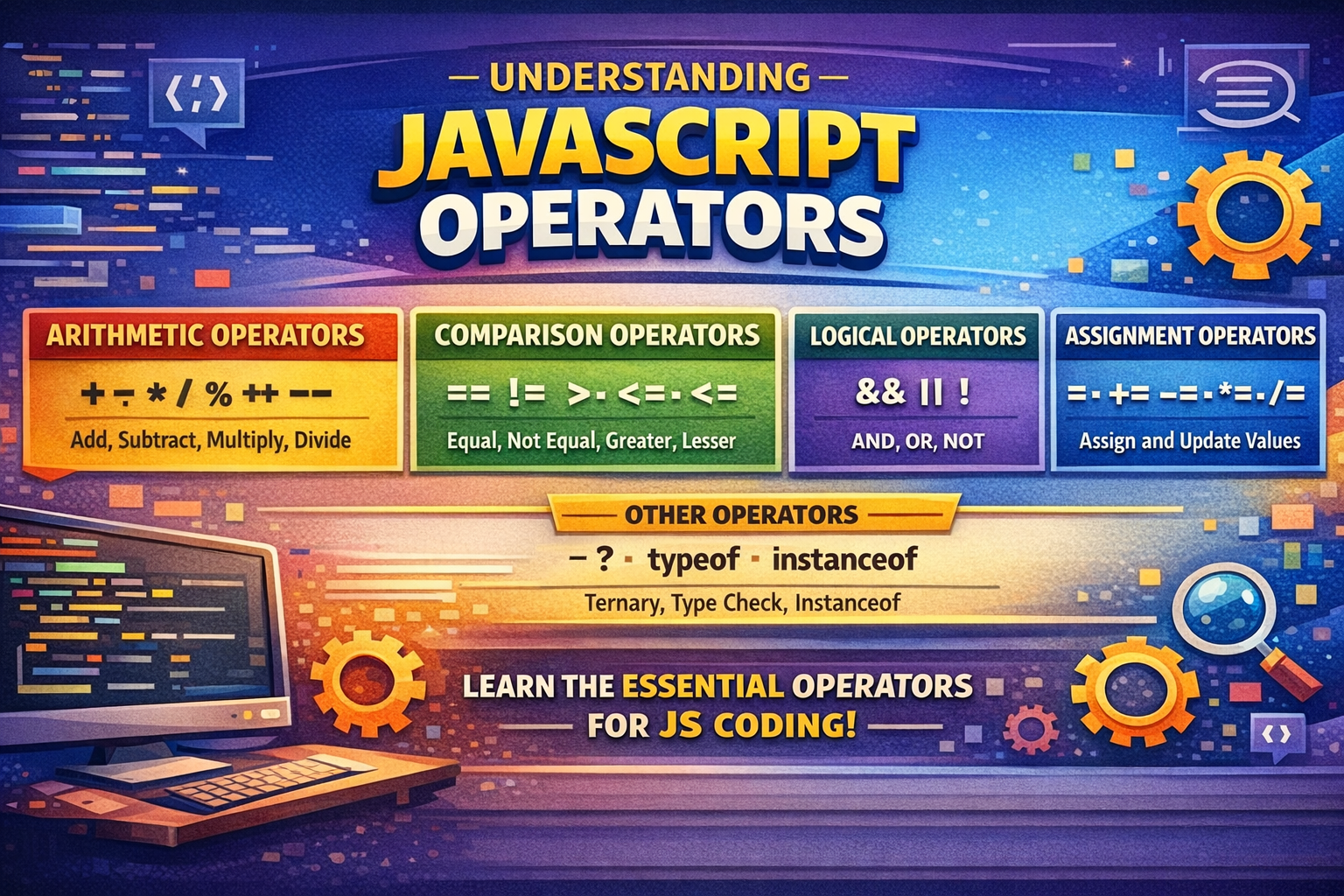
Understands Js operators

so before jump to the oerators understand what is exactly an operator is , image you want to add 2 numbers so what operator do you use , (addition ) right !!
the expression - 1 + 2 =3
so here the 1 And 2 is operant which is going to change by applying operator.
and the operator is which perform changes. and we get combine output from it.
lets underStand JS operator
In js there are multiple operators are presents ,below the list of them:
Arithmetic Operators (
+ - / *)Assignment Operators (
=,+=,-=,*=,/=,%=,**=,&=,|=,^=,&&=,||=.??=)Comparison Operators (
== , != , ===, < , > , >= , <=)Logical Operators (
&& ,|| ,!)Ternary (Conditional) Operator (
condition ? expression1 : expression2), acting as a shorthand for anif-elsestatement. )
lets UnderStands the above all operators in details-
Arithmetic Operators
Arithmetic operators are used to perform mathematical calculations.
➤ + (Addition)
Adds two numbers or concatenates strings.
10 + 5        // 15

"Hello" + " JS" // "Hello JS"
➤ - (Subtraction)
Subtracts the right operand from the left.
10 - 3 // 7
➤ * (Multiplication)
Multiplies two numbers.
4 * 5 // 20
➤ / (Division)
10 / 4 // 2.5
⚠️ Division by 0 returns Infinity.
➤ % (modulo)
this operator gives you an remainder of an division
10%2 // 0
Assignment Operators
Assignment operators assign values to variables and may also perform calculations.
➤ = (Assignment)
Assigns a value to a variable.
let x = 10;
➤ +=
Adds and assigns.
let x = 5;
x += 3; // x = 8
its a short form of writing
x=x+3;
➤ -=
Subtracts and assigns.
x -= 2; // x = x - 2
➤ *=
Multiplies and assigns.
x *= 4;
➤ /=
Divides and assigns.
x /= 2;
➤ %= (Modulus Assignment)
Stores the remainder.
x %= 3;
➤ **= (Exponent Assignment)
Raises power and assigns.
x **= 2; // x = x²
➤ &&=
Assigns value only if current value is truthy.
let isLoggedIn = true;
isLoggedIn &&= "User Active";
➤ ||=
let name = "";
name ||= "Guest";
➤ ??=
Assigns value only if variable is null or undefined.
let user;
user ??= "Anonymous";
Safer than ||= because it does not treat 0 or "" as falsy.
Comparison Operators
Comparison operators compare two values and return a boolean (true,false,0, 1).
➤ == (Loose Equality)
5 == "5" // true
➤ === (Strict Equality)
5 === "5" // false
➤ !=
Checks inequality with type conversion.
5 != "6" // true
➤ <
less than sign checking left value is less than right side then return true otherwise false.
2<1 //false
3<4 //true
➤ >
greater than sign checking left value is greater than left side then return true otherwise false.
2>1 //true
3>4 //false
➤ >= , <=
less than eqaul to singn check the value including that value , similar greater than eqaul to
checks the value.
2<=21 //false
3<4 //true
2>1 //true
3>=3 //true
Logical Operators
Logical operators are used for decision-making and flow control. like if we want to execute particular code if both are condition true or on of condition true .
➤ && (Logical AND)
Returns true if both conditions are true.
true && false // false
➤ || (Logical OR)
Returns true if any condition is true.
false || true // true
➤ ! (Logical NOT)
Inverts a boolean value. if there is true then its implaise to false.
!true // false
Ternary (Conditional) Operator
its an short-hand of if-else condition
syntax -
condition ? expression1 : expression2
Example:
let age = 20;
let status = age >= 18 ? "Adult" : "Minor";
Equivalent to:
if (age >= 18) {
  status = "Adult";
} else {
  status = "Minor";
}